How many countries have you visited?
TravelTheWorld.hu is an interactive travel map where you can easily mark the countries you have already visited. With just a few clicks, you can create your own personal travel map, keep track of your journeys, and find inspiration for your next adventure.
The website not only helps you organize your travels but also provides detailed information pages for countries and territories around the world. You can discover top attractions, interesting facts, and useful travel information to help you plan your future trips.
Whether you're an experienced globetrotter or just starting to explore the world, TravelTheWorld.hu is a place where you can visually track where you've been—and see which parts of the world are still waiting to be discovered.
How does it work?
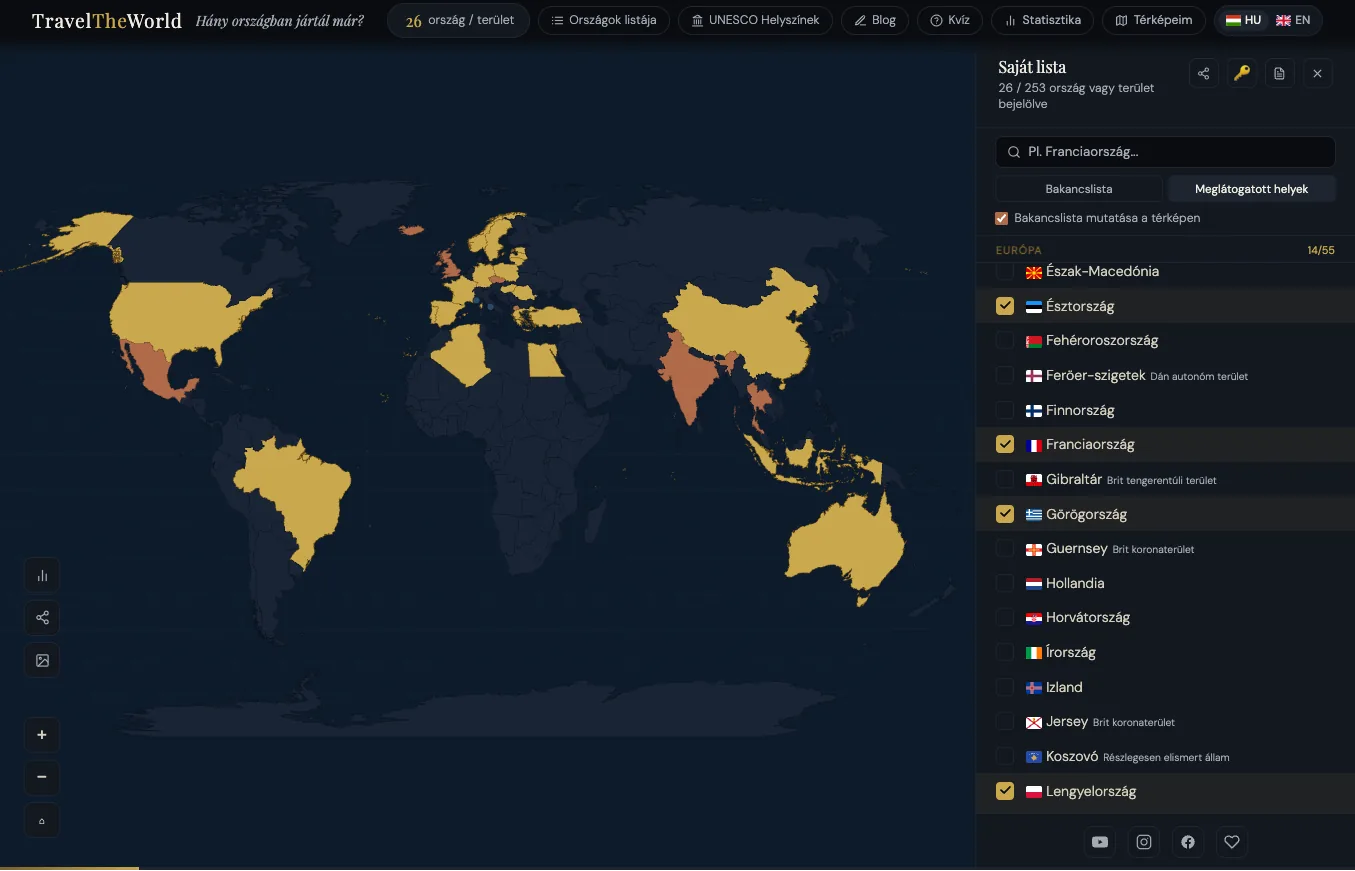
By visiting the homepage, you can immediately start marking the countries you have already visited. Once you accept the privacy policy, your personal travel map is saved and can be accessed anytime through a unique link. This allows you to continue building and updating your map whenever you discover a new destination.
Your manager link
When you create a map for the first time, a manager token and a unique manager link are generated. With this link, you can continue editing your map even from another device. Any additional maps you create will also be linked to this unique manager token, allowing you to access and continue editing any of your maps as long as you have the manager link.
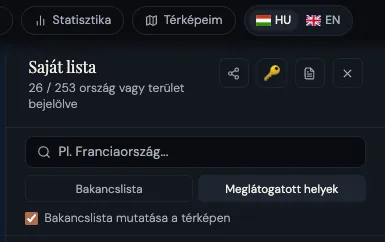
The manager link can be copied by clicking the key icon on your Visited Country list ("My List"). You can also copy it from the top menu by selecting My Maps → "Copy Manager link".
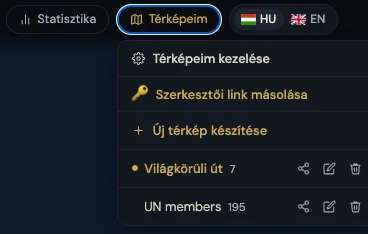
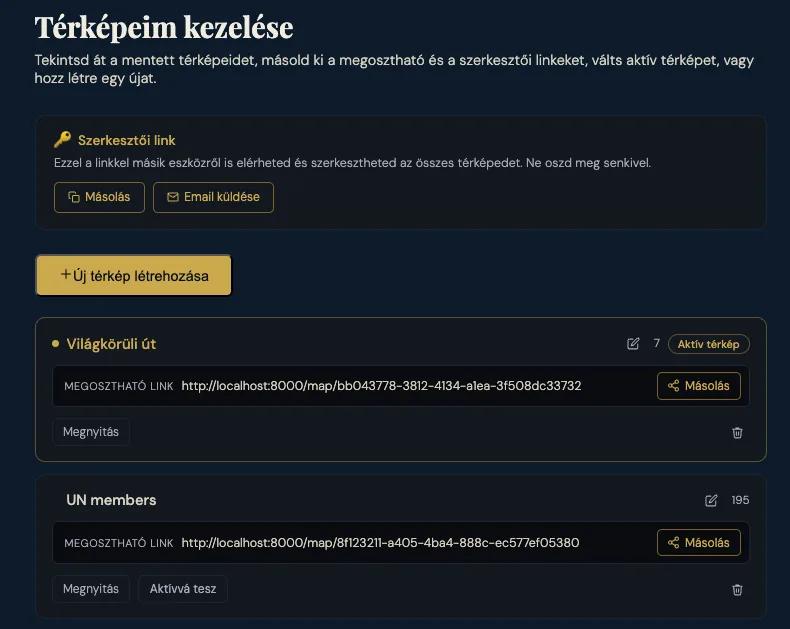
Manage your own maps, rename or delete them. You can also send yourself your editor link by email.
Unique map URL
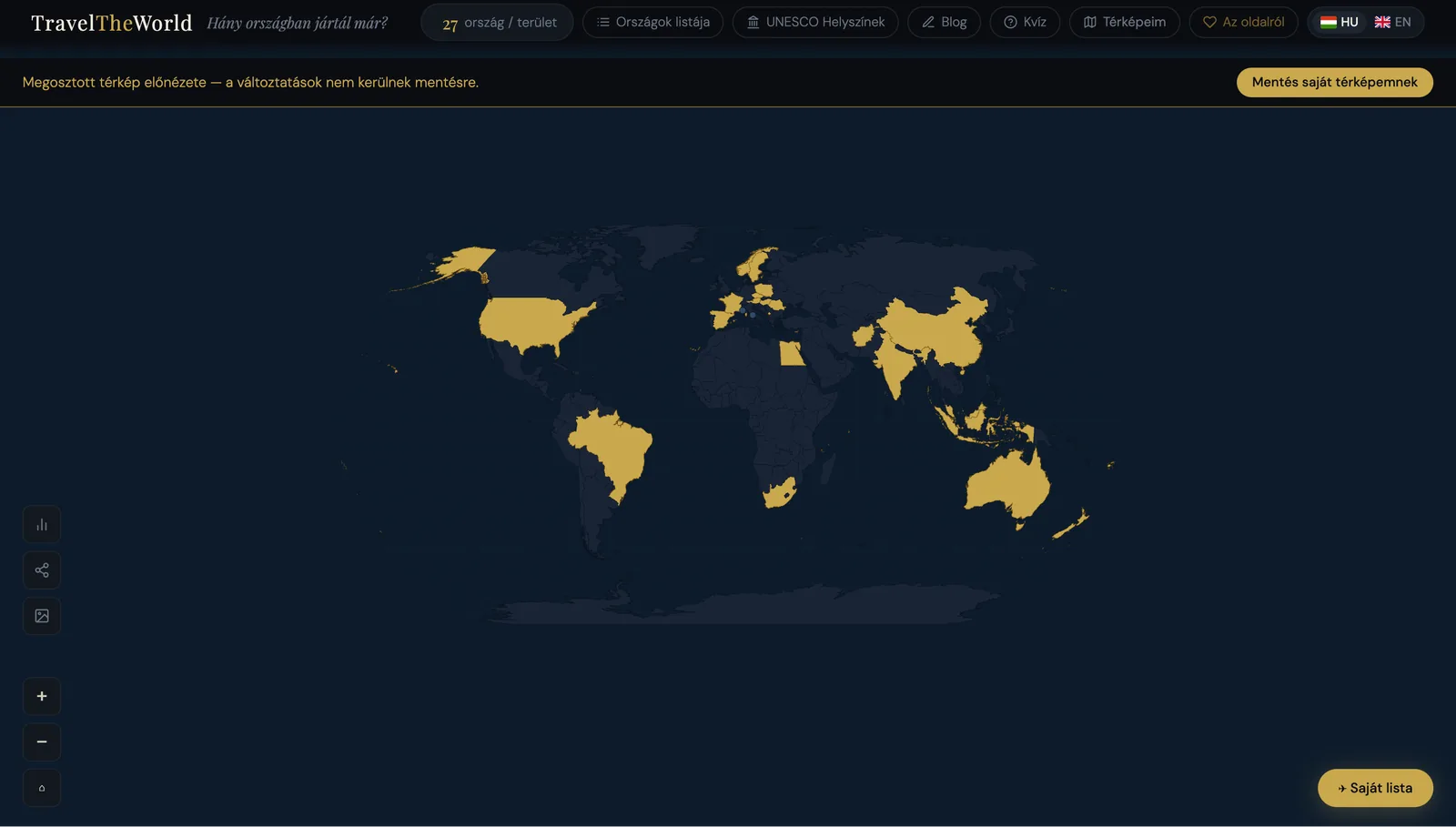
When a map is created, a unique read-only viewer link is automatically generated for it. You can access this link directly from the browser address bar, and it can be freely shared with others. Visitors who do not have the editor token associated with the map can only view the map and cannot make any changes to it.
From the My Maps dropdown menu, you can manage your existing maps, rename them, or delete them whenever you like.
Bucket List
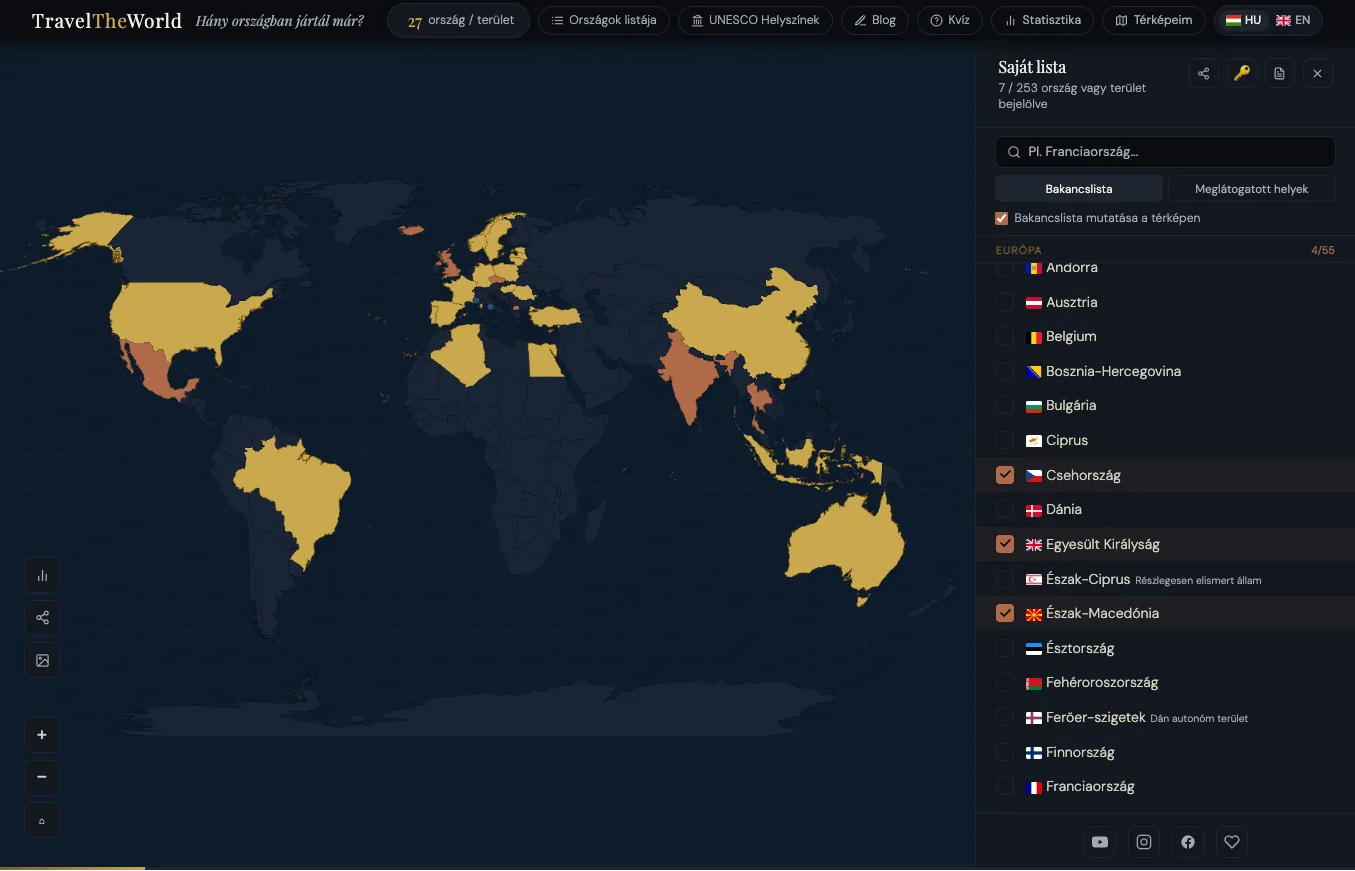
On the "My List" page, you can switch to your "Bucket List", where you can also mark countries you'd like to visit someday.
Each map has its own bucket list. So if you switch to a different map, you'll need to build a new bucket list there.
Statistics
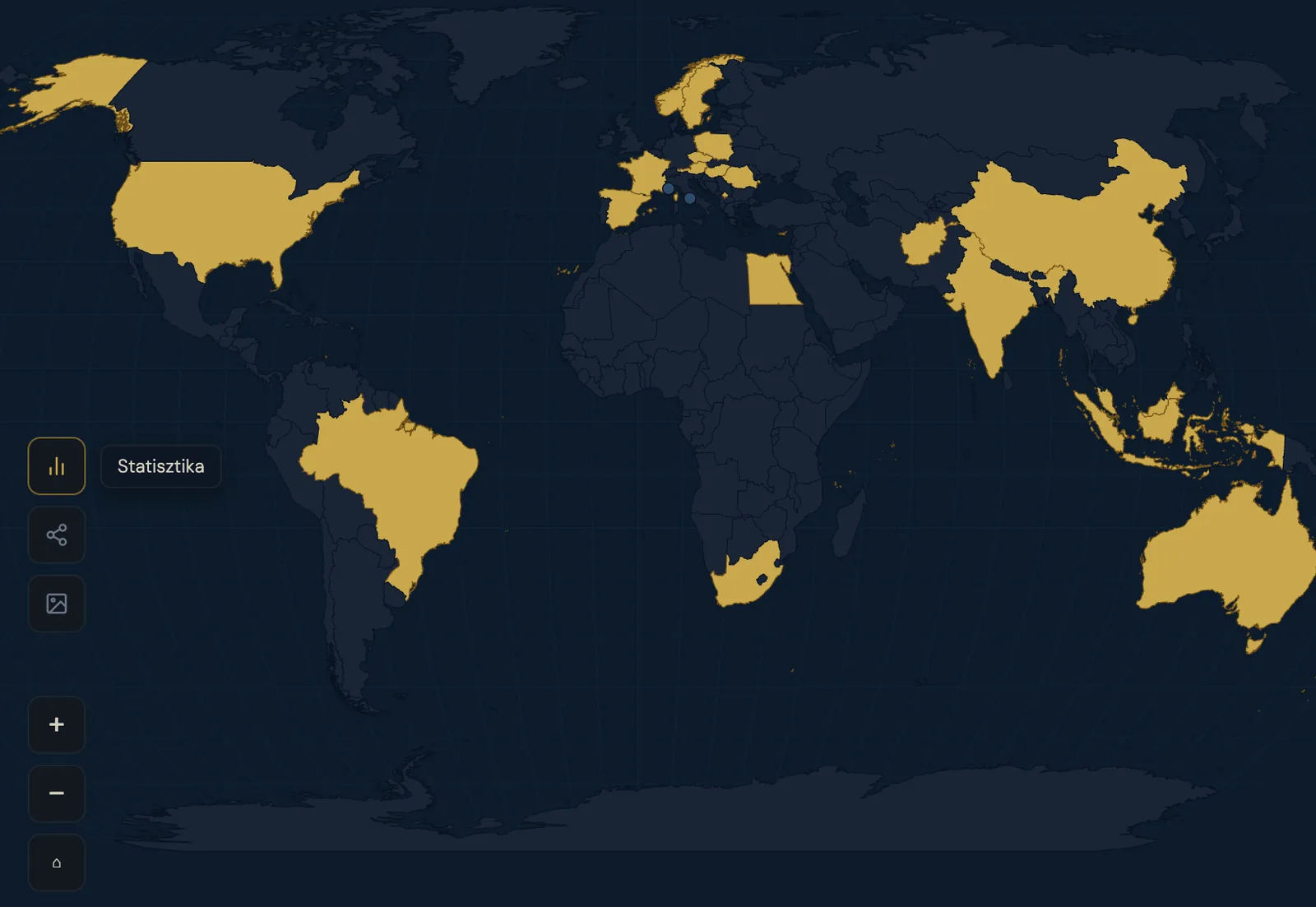
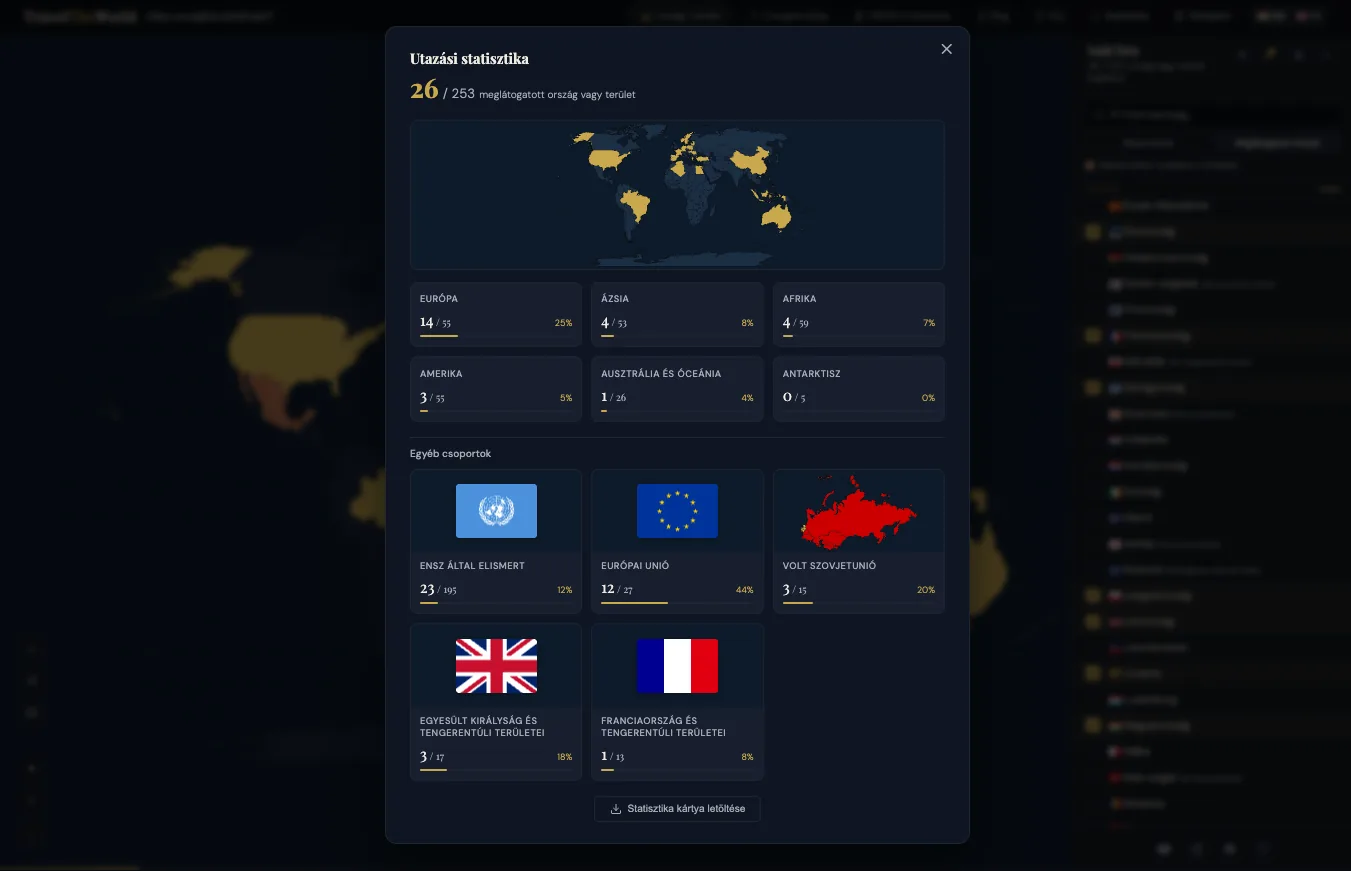
View statistics about your visited countries, including a continent-by-continent breakdown of your travel progress.
Download statistics
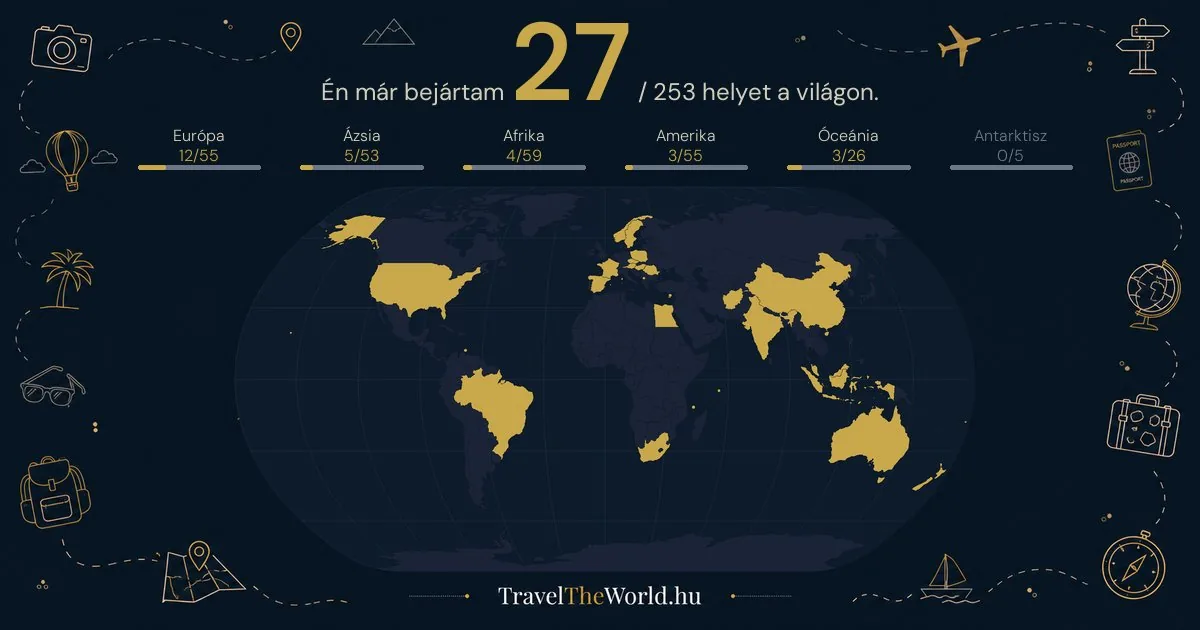
You can download you stats card as an image.
Country List
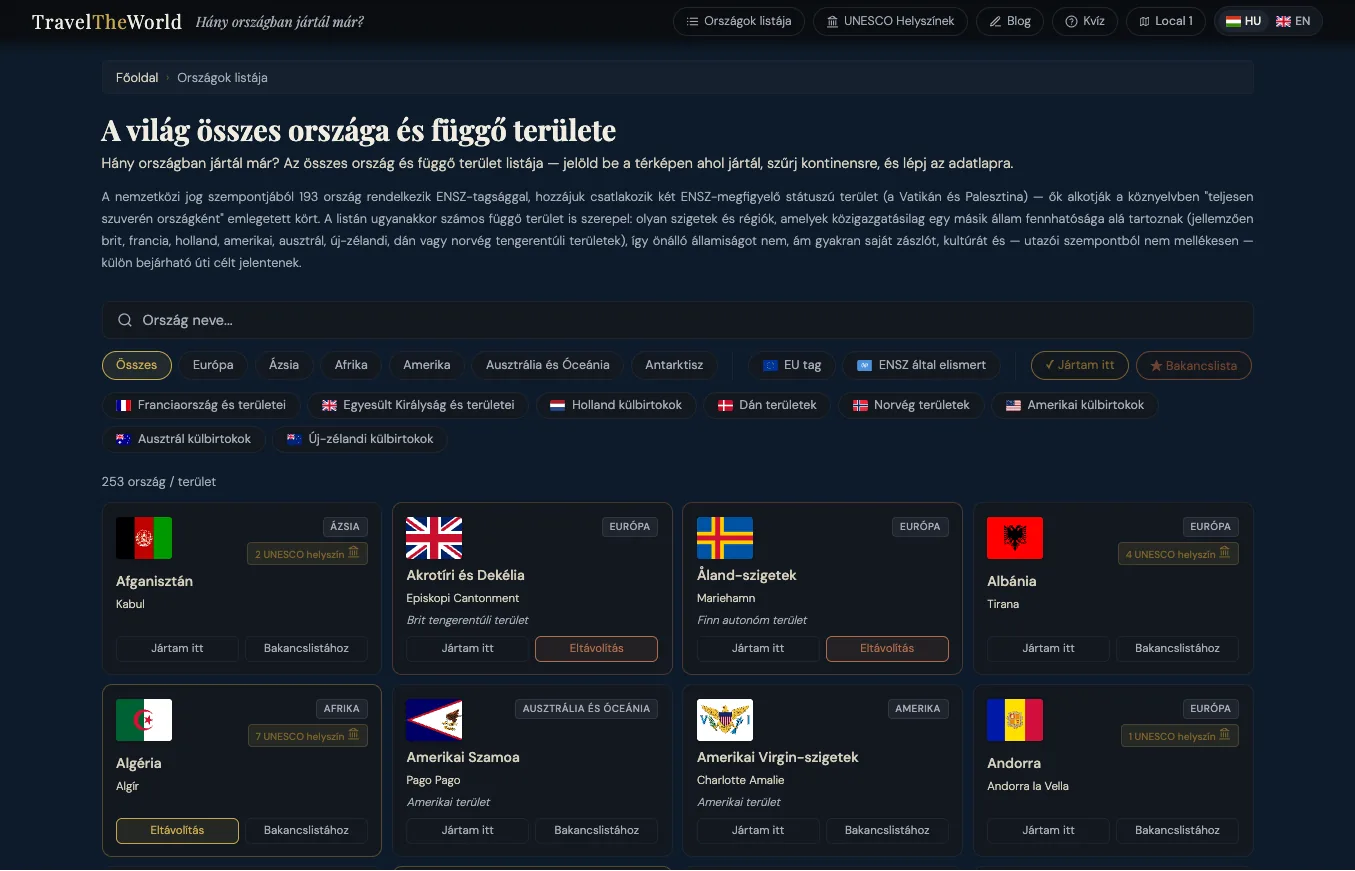
You can find every country and dependent territory in the world on the Countries List page. From here, you can also mark the places you've visited, add to your bucket list, as well as search and filter the displayed list to easily find specific destinations.